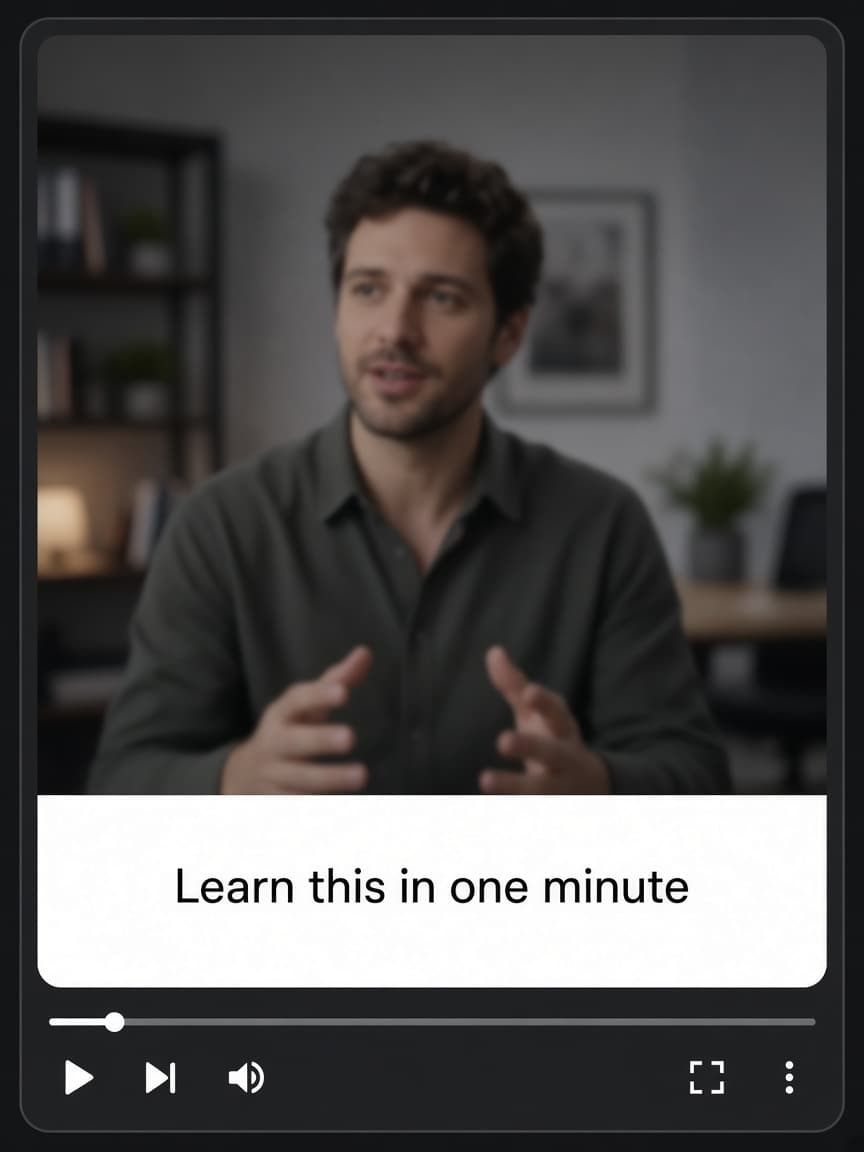
Auto caption generator
Create, edit, and translate captions. Export a video ready to post.
Upload a video. AI writes timed captions. You pick a style.
- YouTube
- TikTok
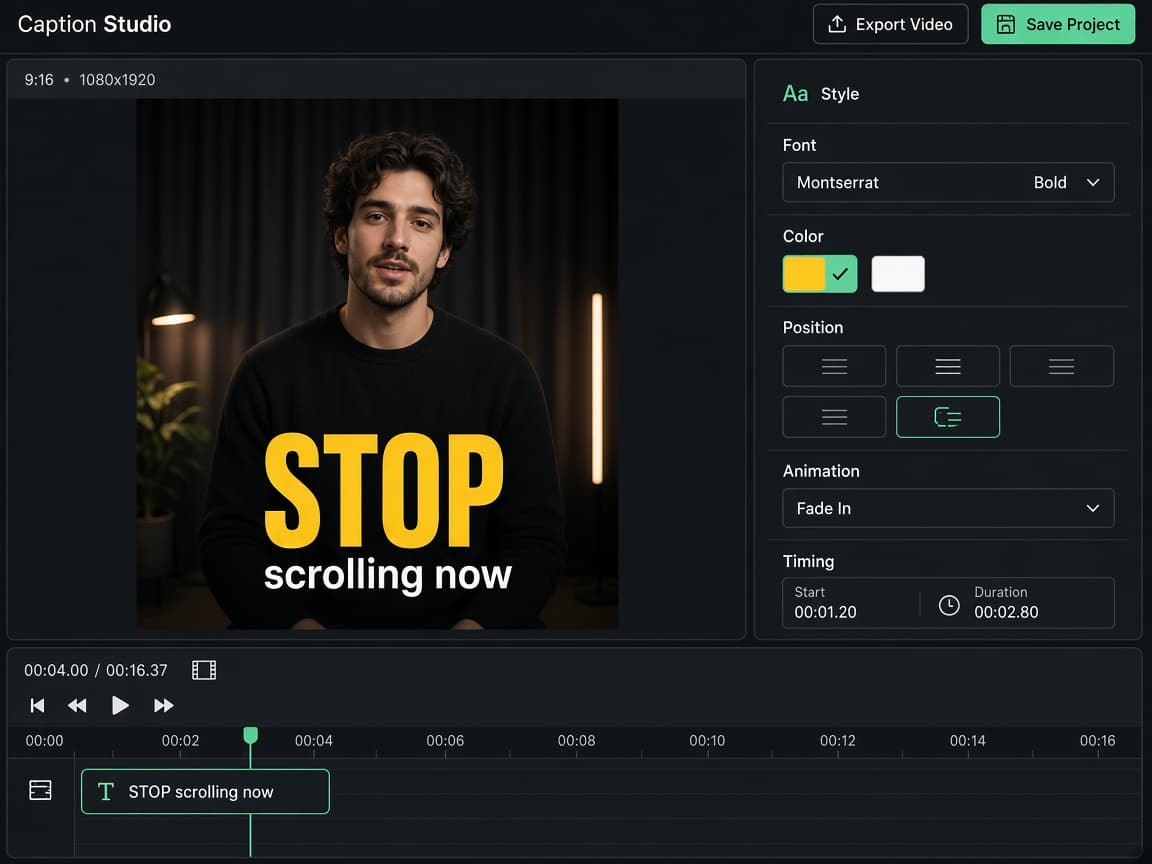
Looks
Choose how the captions feel
Start from a template made for the kind of video you are posting, then change anything that should be yours.
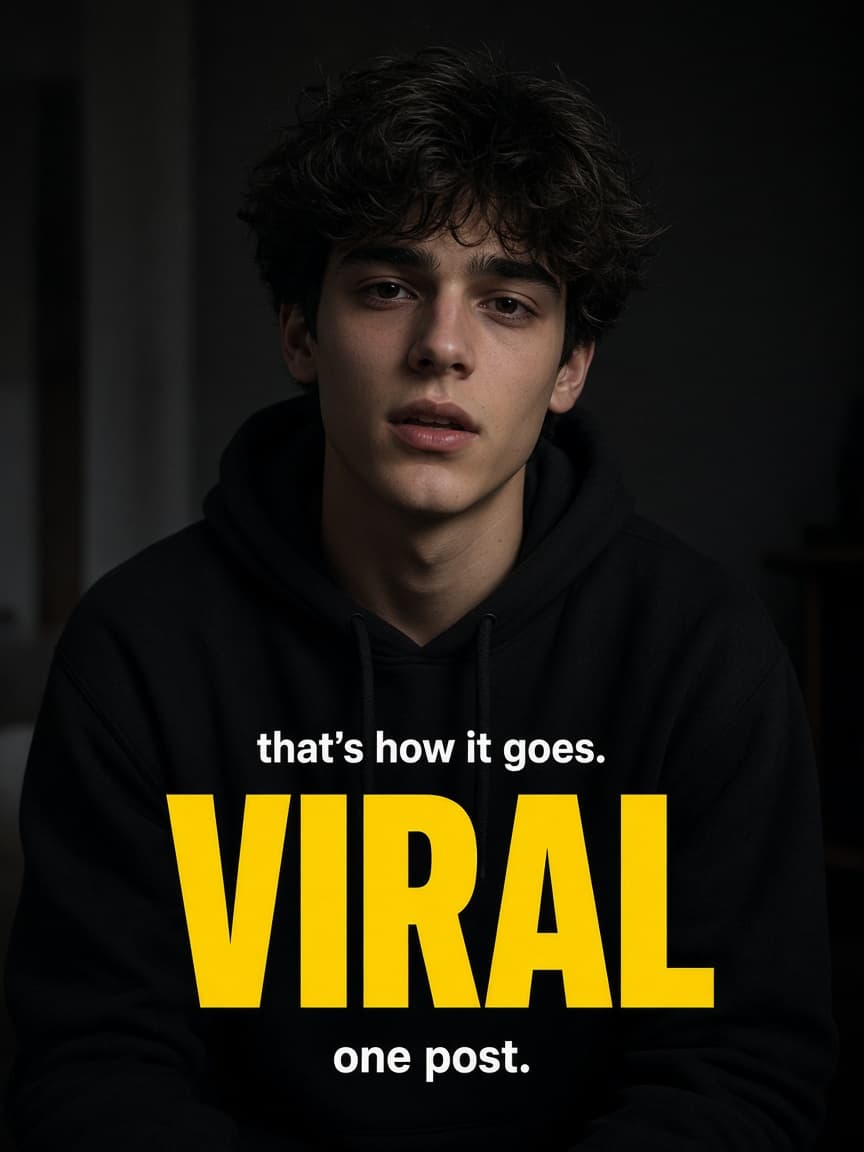
How it works
Three steps from a raw video to a post
Upload, review the words, and export. The captions stay on the picture.
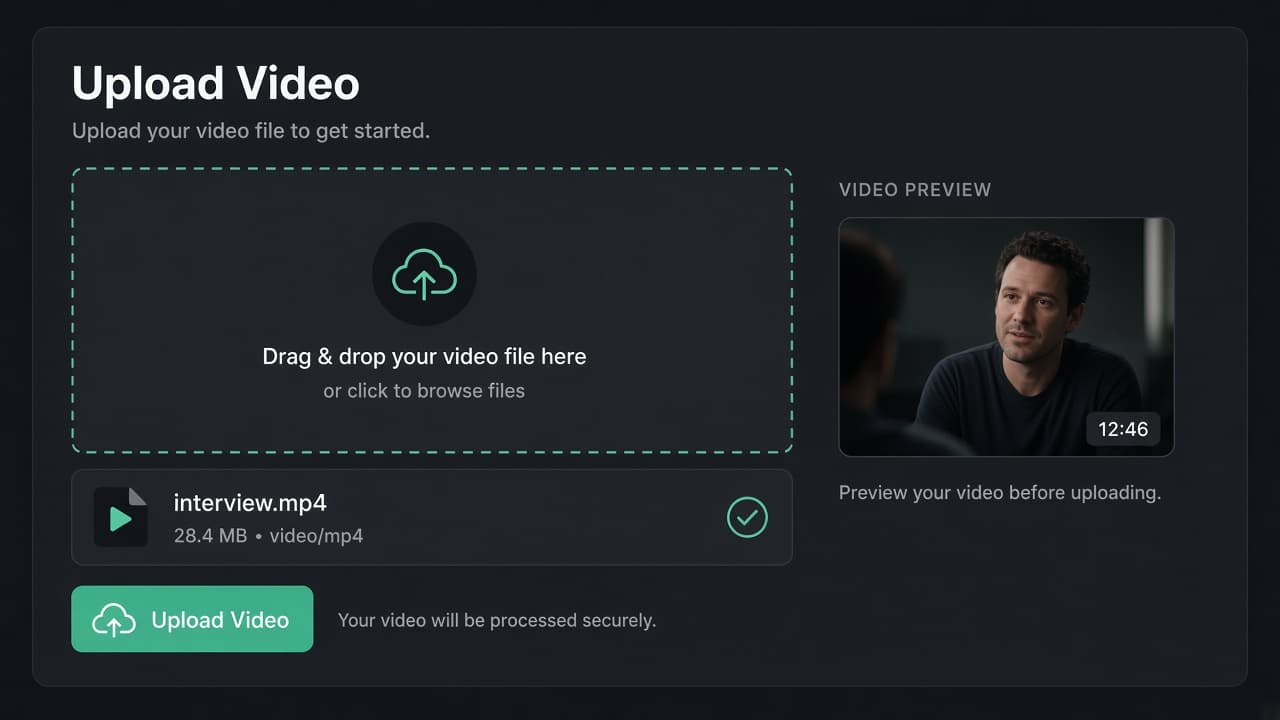
01
Upload your video
Bring in a video file. Reels, lessons, interviews, and talking-head clips all start the same way.
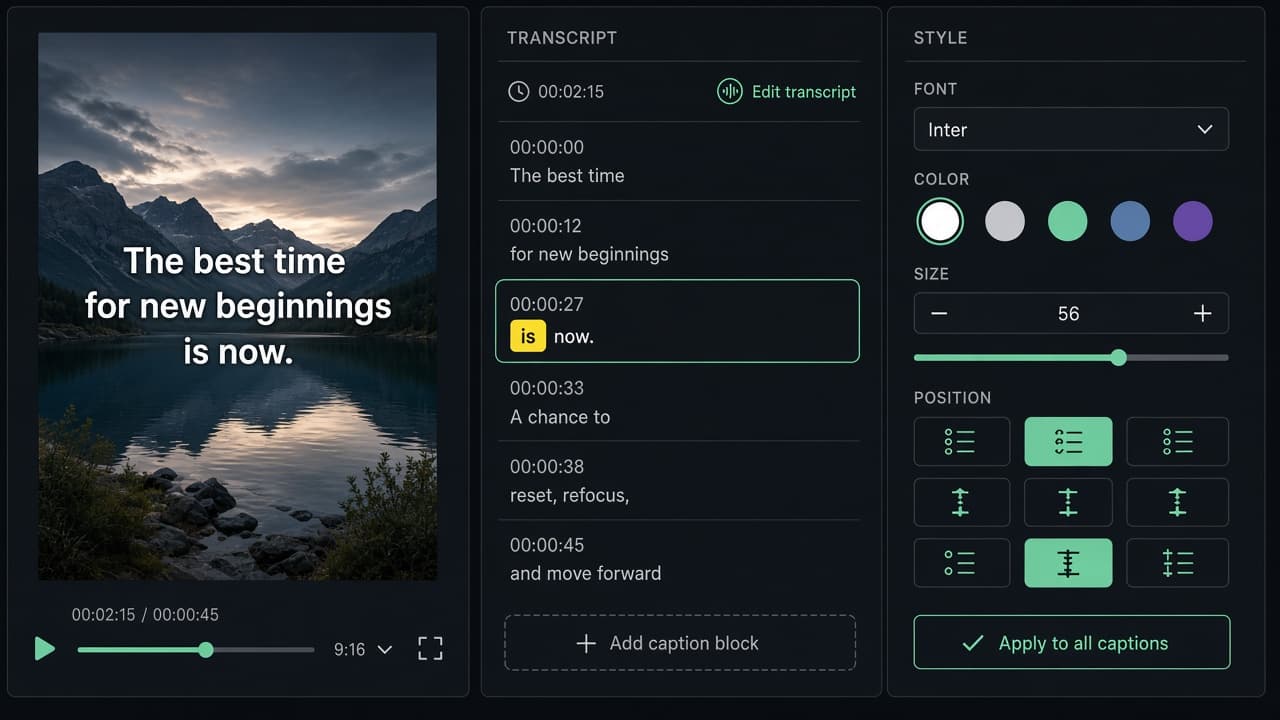
02
Review and style
Fix any word that is off, adjust the timing, and apply a look.
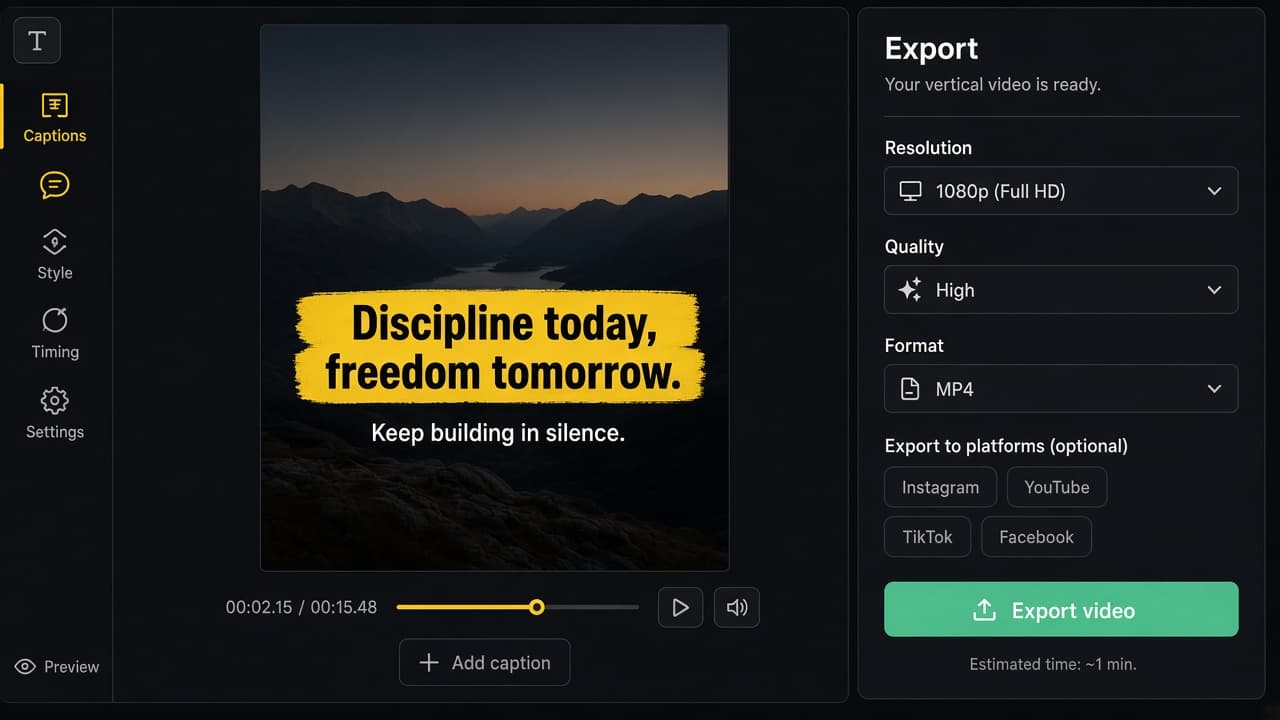
03
Export and post
Download a finished video and share it on Instagram, YouTube, TikTok, or Facebook.
Edit
Fix any word without starting over
Change the text or slide the caption on the timeline. A wrong name or a late line does not mean generating the whole video again.
Try it free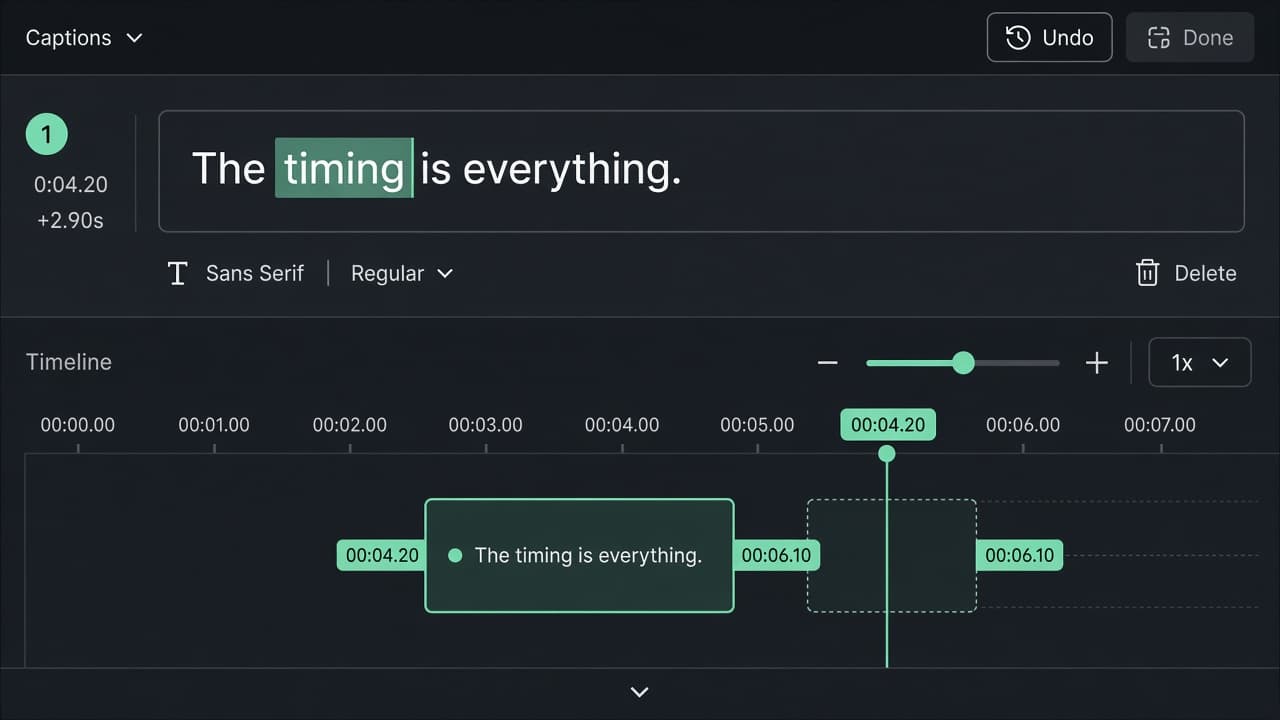
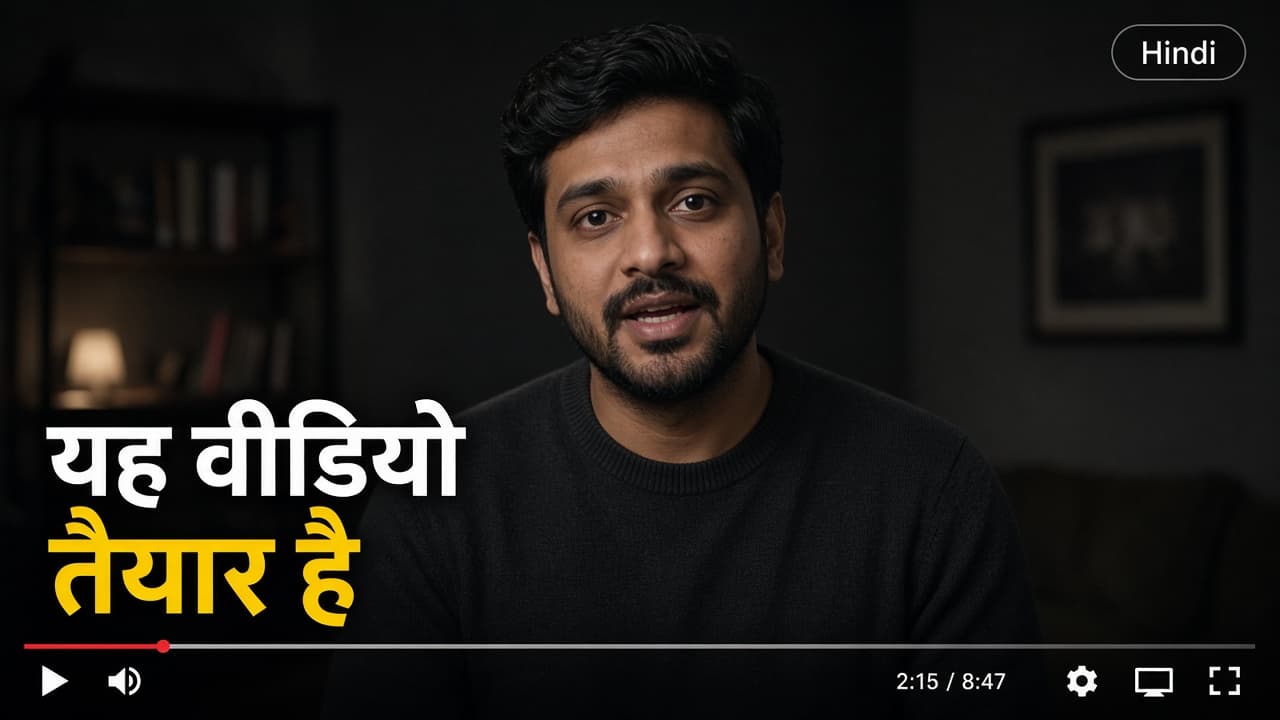
Languages
Translate captions into 90+ languages
Keep the timing and rewrite the words for another audience, including Hindi and Hinglish.
- English
- Hindi
- Hinglish
- Arabic
- Japanese
- Spanish
Export
Leave with a video, not a subtitle file
The captions are on the picture. Download it and post to Instagram, YouTube, TikTok, or Facebook.
Try it free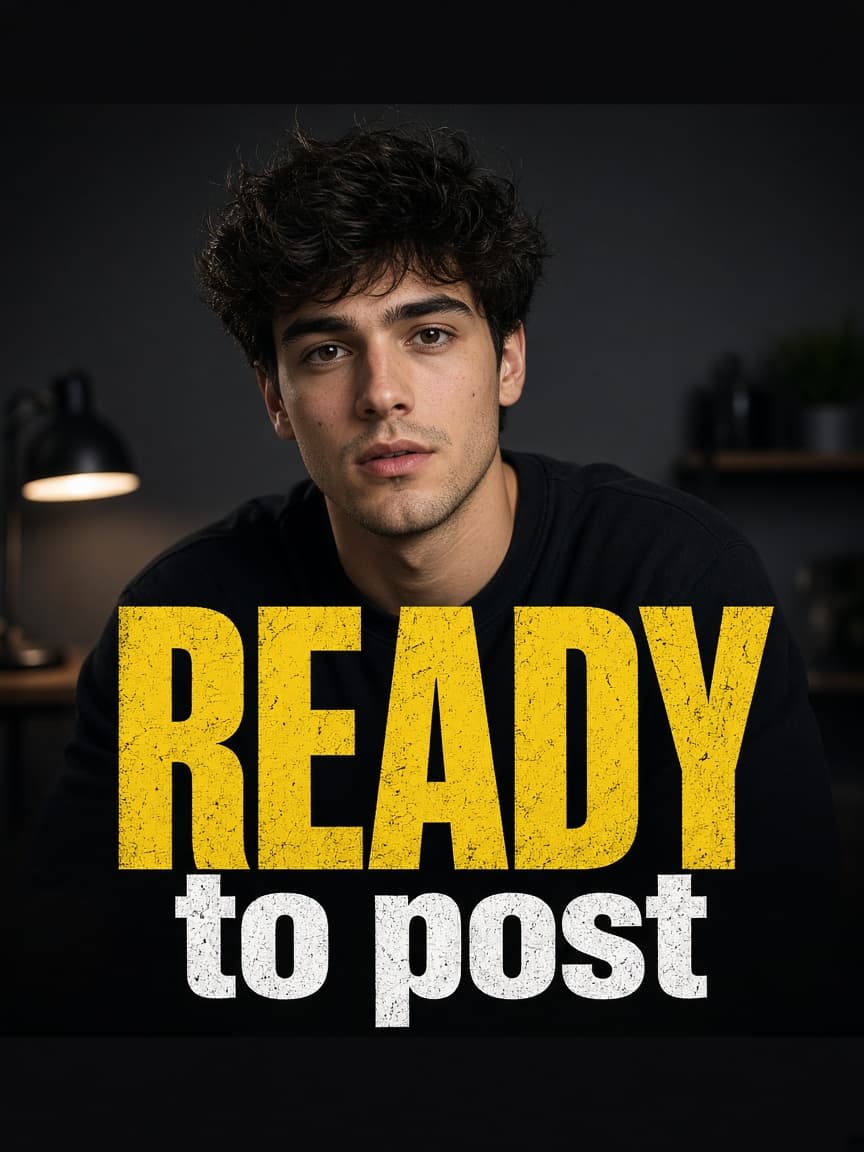
Who it is for
Built for the videos you already make
Short-form creators
Put animated captions on Reels, Shorts, and TikTok without timing every word by hand.
YouTube
Keep longer videos readable with captions you can correct and restyle.
Podcasters
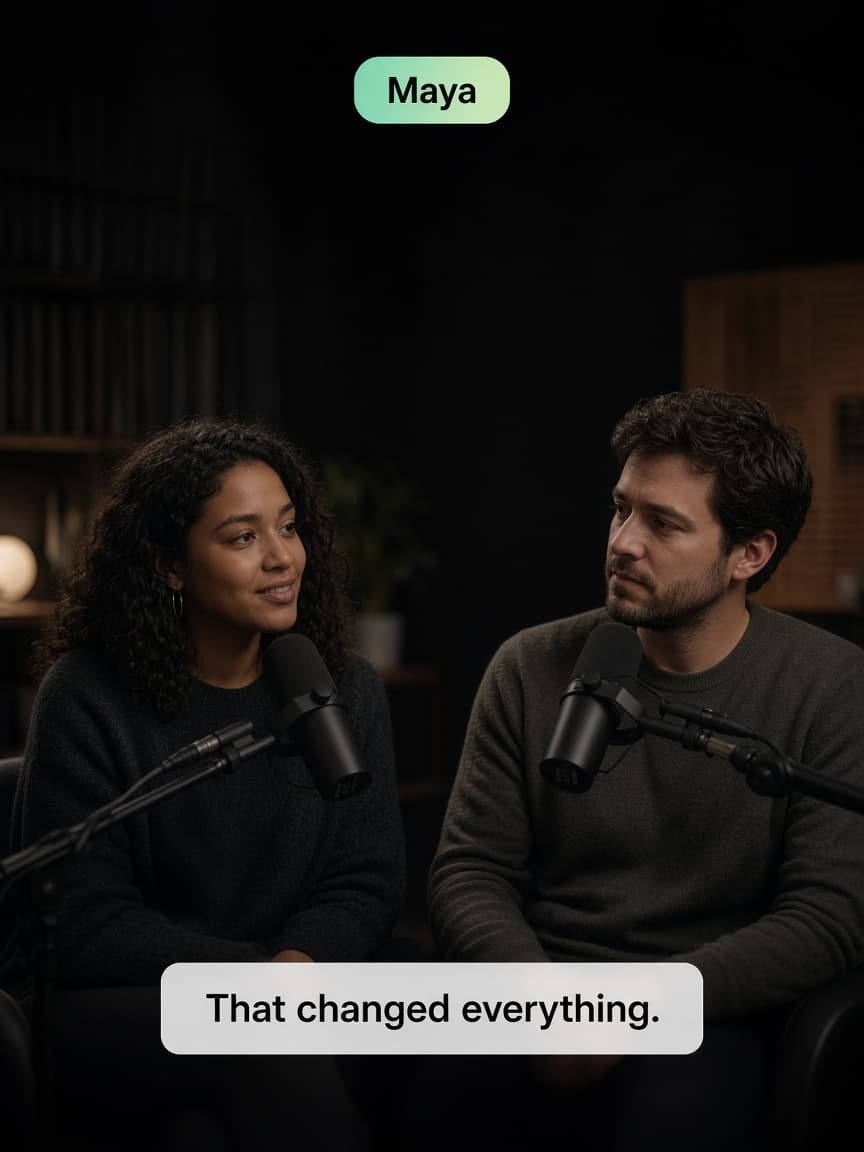
Turn a conversation into a clip with the speaker’s name on screen.
Coaches and courses
Make a lesson easier to follow, including in another language.
Why it is faster
The repetitive part is already done
90+ languages
Translate captions for viewers who do not speak the original language.
Word-level timing
Each word follows the voice, so you nudge a caption instead of rebuilding it.
Edit any word
Fix a name, a number, or a whole line without starting over.
Speaker names
Label who is talking on interviews and podcasts.
In the browser
Upload a video and export from the editor. Nothing to install.
Style control
Change the font, color, size, and position until the caption fits the frame.
Frequently asked questions
Can I automatically generate captions?
Yes. Upload a video and Caption Studio turns the speech into timed captions.
Can I edit the generated captions?
Yes. Change any word, rewrite a line, or move when a caption starts and ends. You do not have to start over.
Can I use caption templates?
Yes. Start from a basic, animated, or speaker look, then change the font, size, color, position, and motion.
How accurate are the captions?
On clear audio, the first draft is close. Review every word in the editor and fix anything that is off so the caption matches what was said.
Can I create captions in different languages?
Yes. Translate the captions into 90+ languages, including Hindi, Hinglish, Arabic, Japanese, Chinese, Korean, and Spanish.
What do I get when I export?
A finished video with the captions on the picture, ready to post to Instagram, YouTube, TikTok, or Facebook.
Can I edit my project later?
Yes. Save the project and come back to the same captions, timing, and style.
Do I need professional video editing skills?
No. Upload the video, review the words, pick a style, and export.
Get started
Add captions to your next video
Upload it, pick a look, and export a video you can post.